
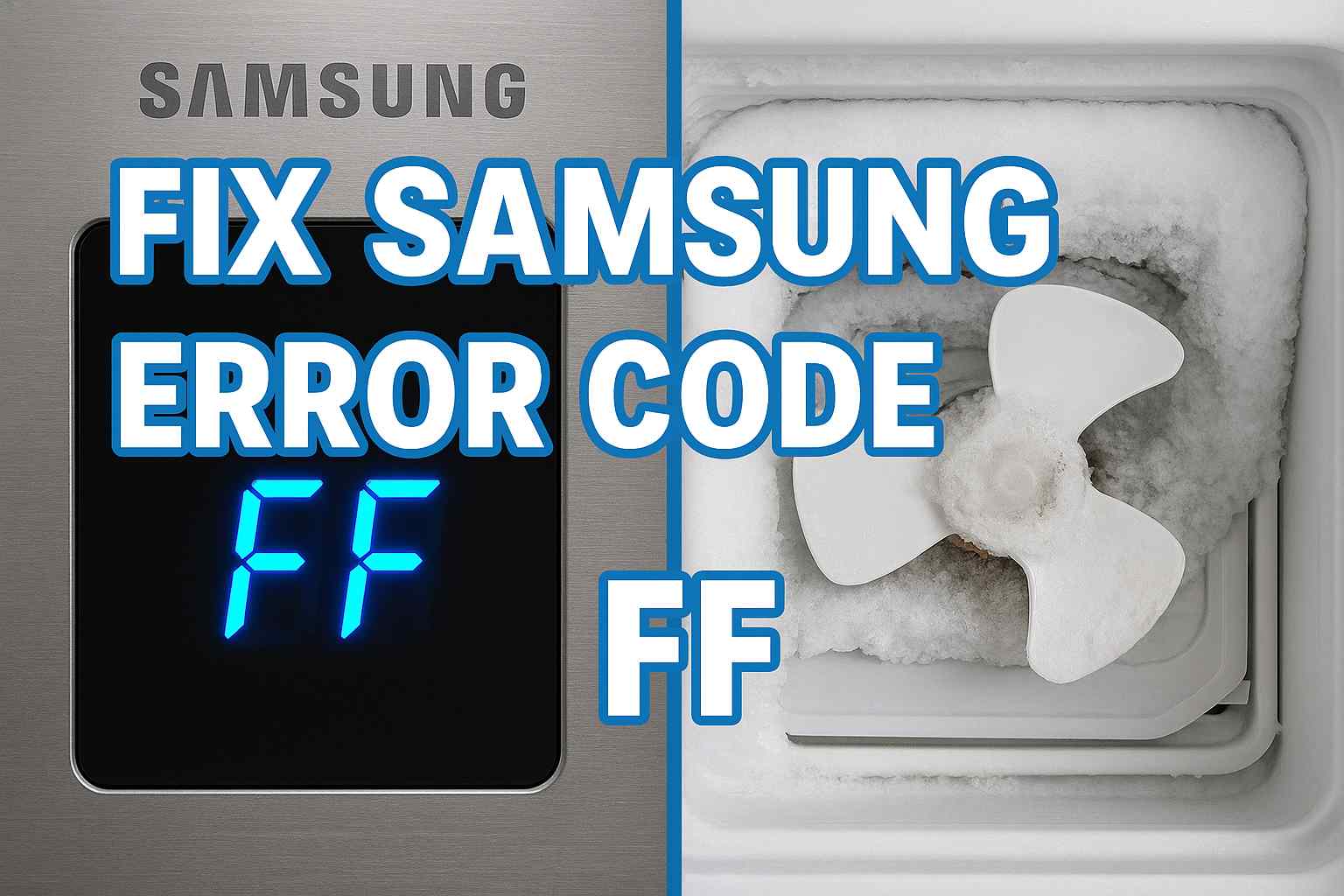
You walk into your kitchen and see a blinking light on your display. Instead of the temperature, your samsung refrigerator error code ff is flashing at you. The fridge might be silent, or you might hear a loud buzzing noise coming from the freezer.
Seeing a digital error code is stressful because it feels like a computer crash. Is the whole fridge dead? Do you need a new motherboard?
The good news is that the “FF” code is one of the most specific and solvable errors Samsung fridges display. It stands for “Freezer Fan” (or sometimes “Freeze Failure”).
It simply means the fan inside your freezer compartment has stopped spinning.
This guide will explain exactly what causes this samsung fridge freezer fan error, how to use the secret “Force Defrost” mode to fix it without tools, and when you need to replace the motor.
Decoding the Samsung Refrigerator Error Code FF
Before you start taking things apart, you need to know what the computer is trying to tell you.
The “FF” code is a specific diagnostic signal.
-
The Component: It points directly to the Evaporator Fan. This is the fan hidden behind the back wall of your freezer that circulates cold air.
-
The Logic: The computer sends power to the fan, but the fan isn’t sending a “spinning” signal back (RPM signal).
-
The Result: The computer assumes the fan is broken or blocked, so it shuts it down to prevent overheating and displays the samsung refrigerator error code ff.
Note: On some models, this might look like an “F” on the freezer side and an “F” on the fridge side.
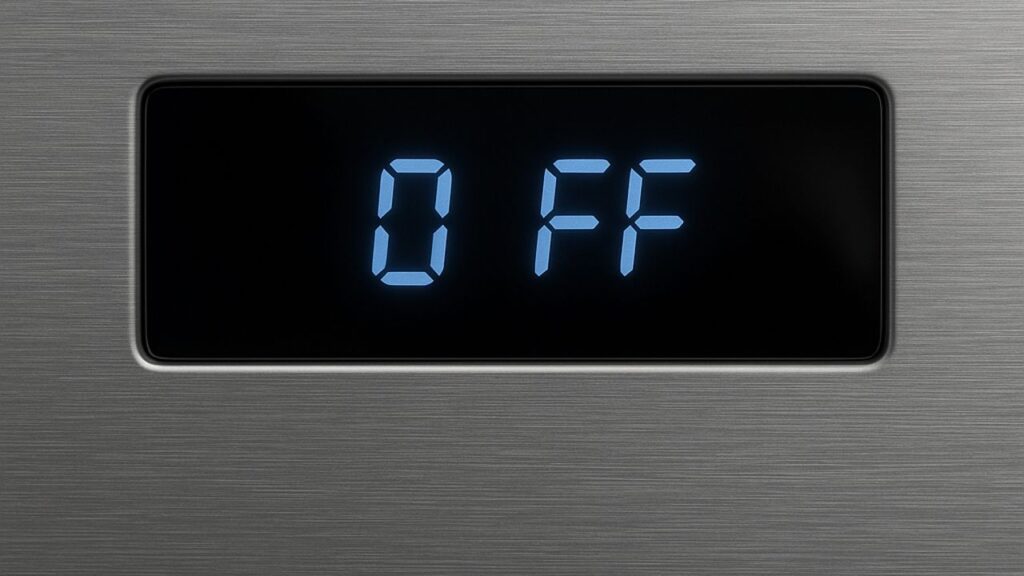
Cause #1: Ice Buildup Triggering Samsung Refrigerator Error Code FF
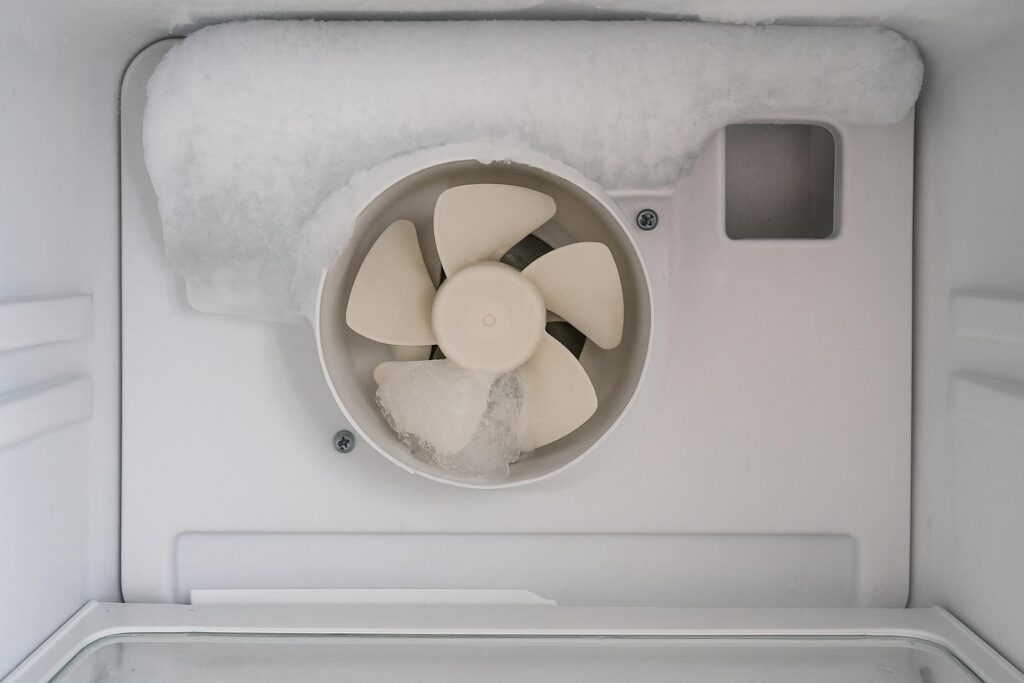
This is the culprit in 90% of cases. The fan motor isn’t actually broken; it is just frozen stuck.
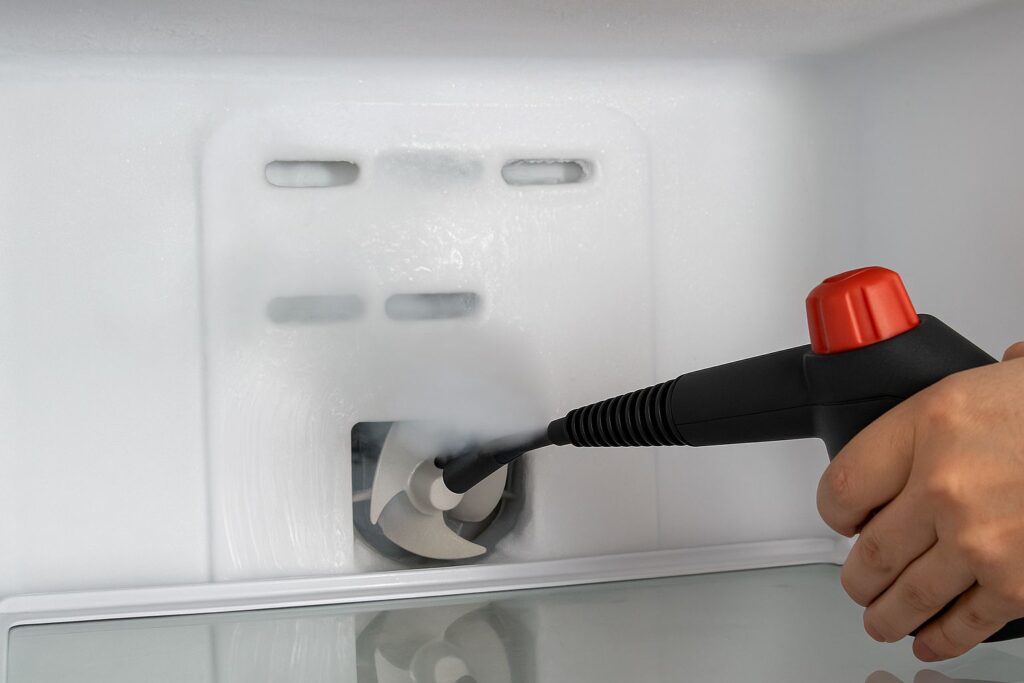
The Problem: Samsung refrigerators are notorious for ice buildup around the evaporator coils. If the defrost drain gets clogged or the defrost heater is weak, frost builds up rapidly. Eventually, this frost reaches the fan blades.
-
The Noise: First, you might hear a loud buzzing or whirring noise (the blades hitting the ice).
-
The Silence: Eventually, the ice gets so thick it physically stops the blade from turning. The computer detects zero RPMs and throws the code.
How to Fix It (The Manual Way):
-
Unplug the Fridge: Safety first.
-
Empty the Freezer: You need access to the back wall.
-
Defrost: Leave the doors open for 24 hours. This is the slow way, but it guarantees all the ice melts.
-
Restart: Plug it back in. If the ice is gone, the fan will spin, and the code will clear.
Cause #2: Using “Force Defrost” to Fix FF Code Samsung
If you don’t want to wait 24 hours, you can use Samsung’s built-in diagnostic mode to melt the ice. This is a “secret” menu that technicians use.
The Strategy: You will force the heater to turn on at maximum power to melt the ice blocking the fan.
How to Enter Force Defrost (fd Mode):
-
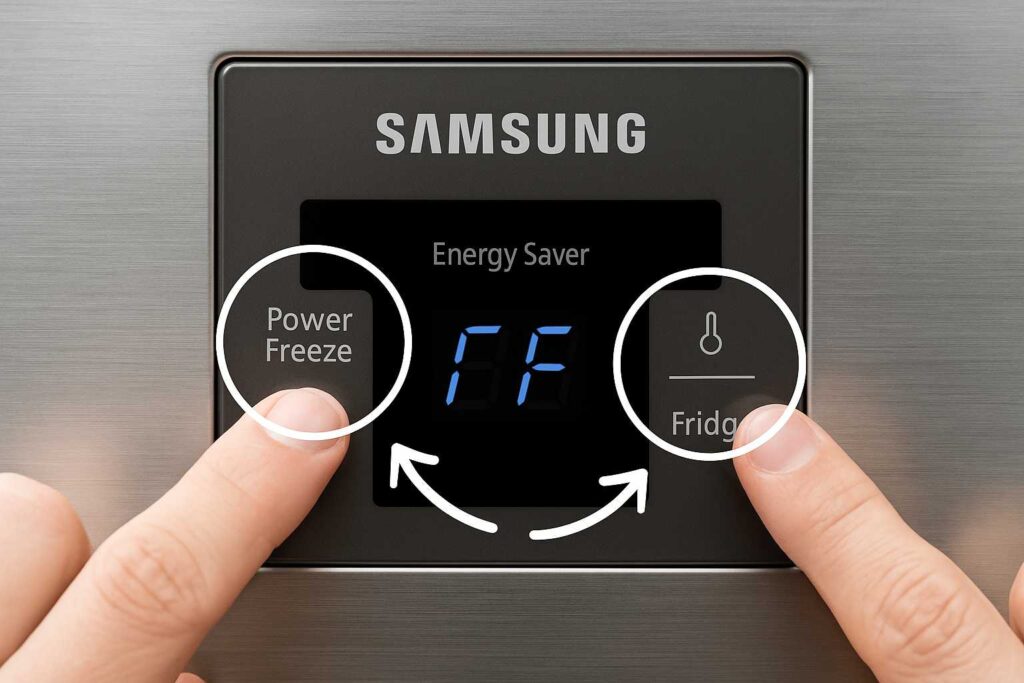
Button Combo: Press and hold the Power Freeze and Fridge buttons (or Energy Saver + Fridge) simultaneously for 8 to 10 seconds.
-
The Beep: The screen will go blank and beep. Release the buttons.
-
Cycle Through: Press the Fridge button repeatedly until you see “Fd” (Force Defrost) on the display.
-
Wait: The fridge will beep continuously. This means the heater is on. Let it run for 20 minutes.
-
Exit: Unplug the fridge to reset it.
This often melts the ice around the fan enough to clear the samsung refrigerator error code ff.
Cause #3: A Failed Fan Motor (Samsung Fridge Freezer Fan Error)
If you have defrosted the unit but the code returns immediately, the motor itself might be dead.
The Problem: Electric motors don’t last forever. After years of spinning in a freezing environment, the bearings can seize, or the electrical windings can burn out. If the motor is dead, no amount of defrosting will fix it.
How to Diagnose:
-
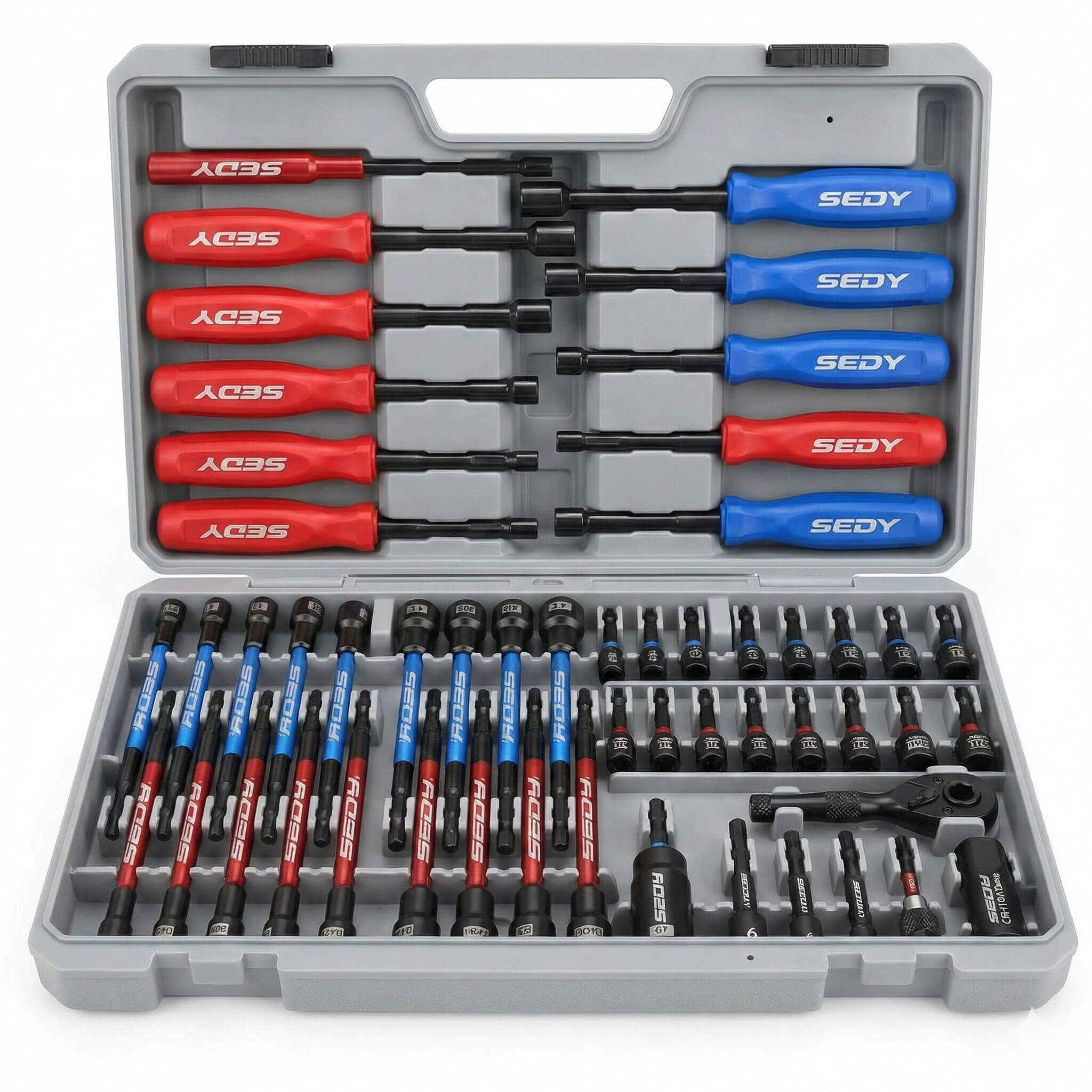
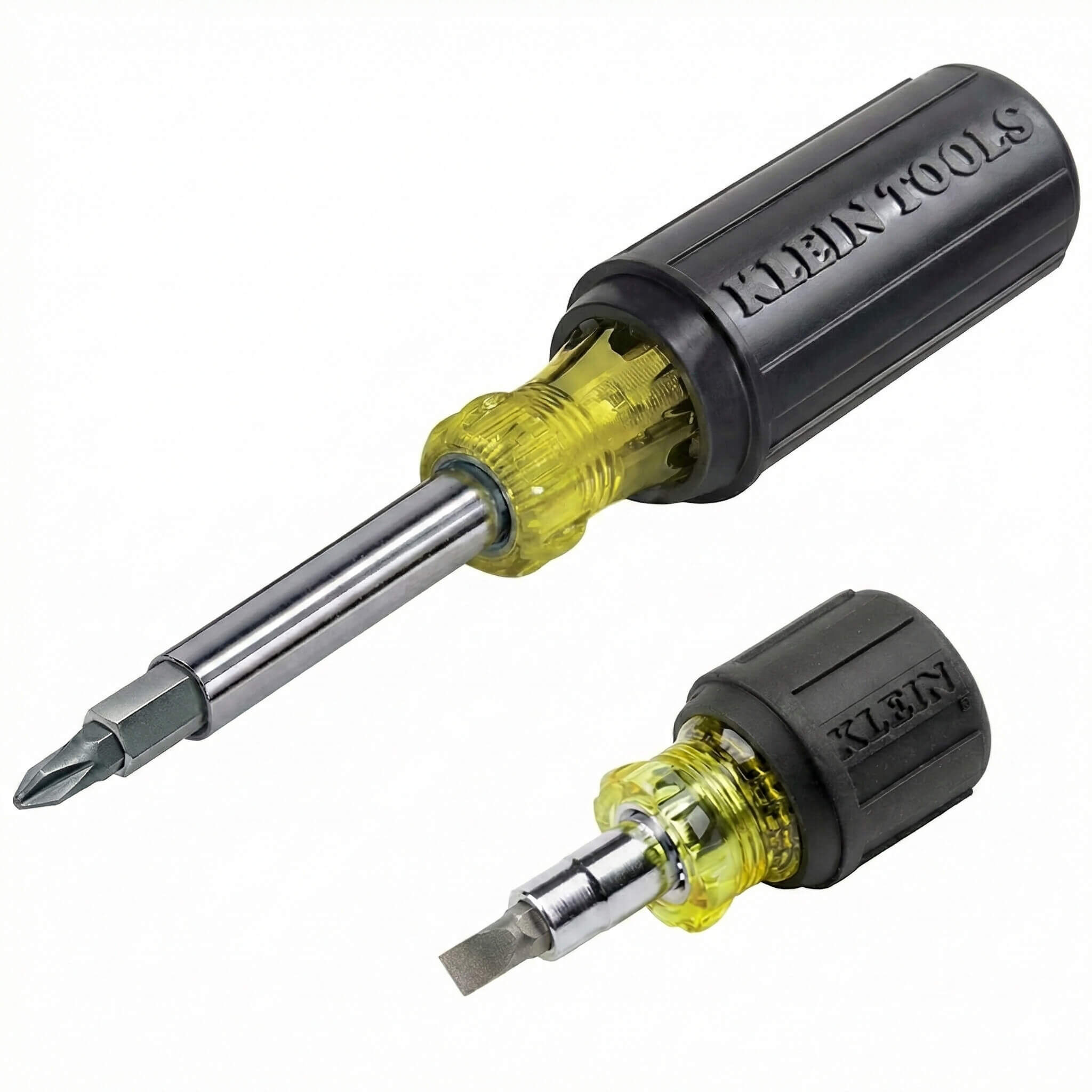
Remove the Panel: Take off the back plastic cover inside the freezer (usually 2-4 screws).
-
Spin the Blade: Flick the fan blade with your finger. Does it spin freely?
-
Yes: The motor might be electrically dead.
-
No: The bearings are seized.
-
-
Check for Burn Marks: Look at the motor housing. Dark spots or a “burnt plastic” smell confirm a burnout.
The Fix: You need to buy a replacement Samsung evaporator fan motor. It is a simple DIY swap: unplug the old wire harness, unscrew the motor from the bracket, and screw in the new one.
Cause #4: A Wiring or Control Board Issue
This is the “worst-case” scenario for a samsung refrigerator error code ff.
The Problem: Sometimes the fan is fine, but the signal isn’t getting through.
-
Wiring: The wire harness connecting the fan to the fridge wall might be loose, corroded, or cut.
-
Control Board: The main motherboard on the back of the fridge might have a blown circuit. It isn’t sending voltage to the fan.
How to Check:
-
Inspect Wires: When you have the panel off, check the white/yellow/red wires. Are they intact?
-
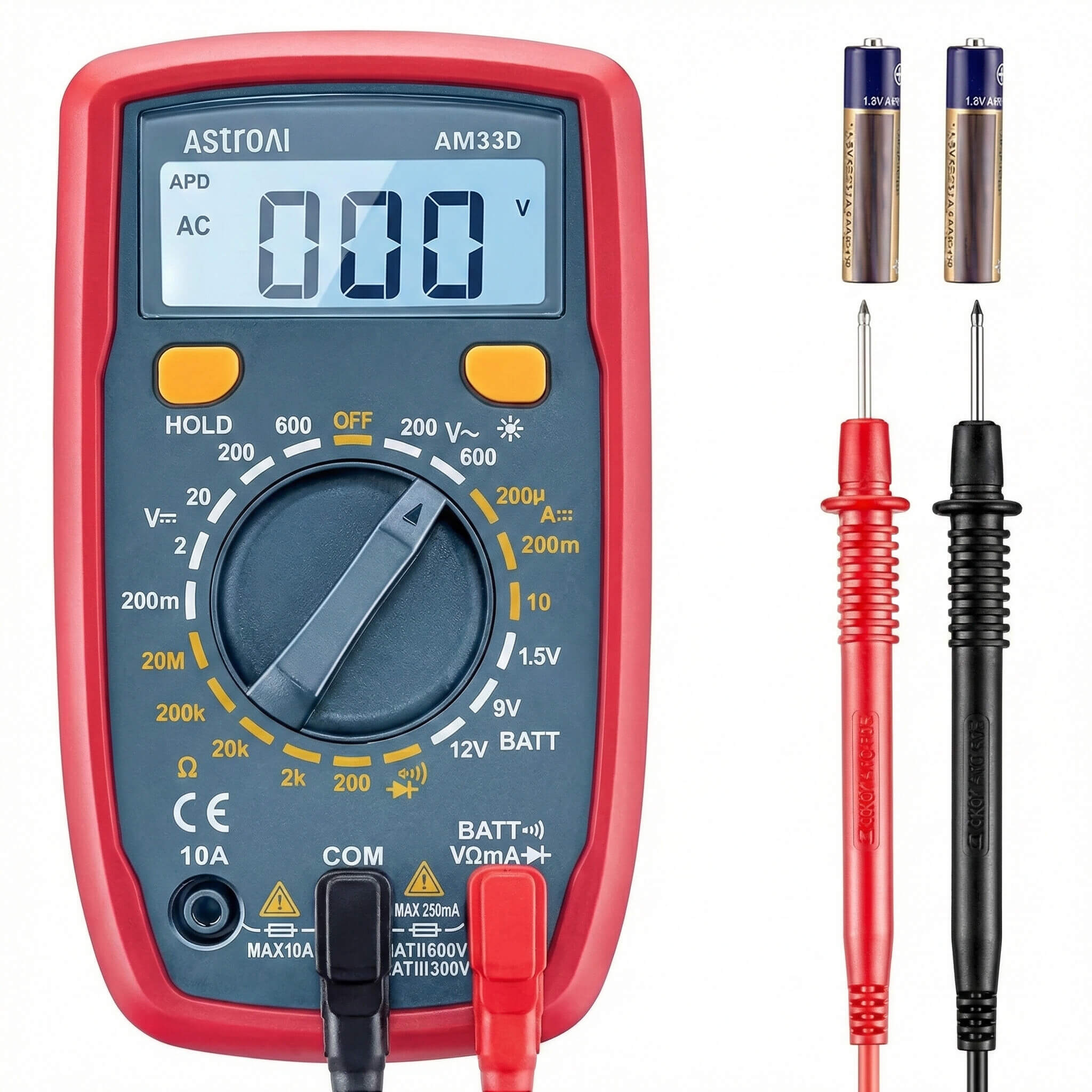
Reset Board: Unplug the fridge for 5 minutes to reboot the main board. If the code persists instantly upon plugging it in (before the fan even tries to spin), it could be a board failure.
Troubleshooting Checklist for Error Code FF
If you see the code, follow this order of operations to save time and money.
Step 1: Listen Do you hear a buzzing noise? If yes, the fan is hitting ice. You just need to defrost.
Step 2: Reset Unplug the fridge for 2 minutes. Sometimes it’s just a digital glitch.
Step 3: Force Defrost Use the “Fd” mode mentioned above. This is the quickest way to fix a how to fix ff code samsung issue caused by frost.
Step 4: Inspect If it comes back, pull the panel and check the fan motor.
Related Issues: Cooling and Leaking
The “FF” code rarely happens alone. It causes other problems.
-
Warm Fridge: If the freezer fan stops, it can’t push cold air into the fridge section. You will likely find your refrigerator not cooling but running.
-
Clicking: If the fan is jammed, the system might overheat, causing the compressor to click. Read our guide on refrigerator making a clicking noise.
-
Leaking: If the ice buildup that caused the fan failure melts all at once, you might find a refrigerator leaking water on the floor.
Frequently Asked Questions (FAQ)
-
How do I clear the FF error code on my Samsung fridge? The code acts as a warning. To clear it from the screen, you usually need to fix the problem first. However, you can reset the display by pressing and holding the two top buttons (usually Power Freeze + Power Cool) for 8-10 seconds until it chimes. If the fan is still broken, the code will return.
-
How much does it cost to fix a Samsung fan error? If it is just ice buildup, it is free (just your time to defrost). If you need a new fan motor, the part costs $50-$100. If you hire a pro, expect to pay $200-$300.
-
Why does my freezer fan keep freezing up? This is often due to a clogged defrost drain or a gap in the back panel assembly. Samsung released a “service kit” for many models that includes a probe to keep the drain from freezing. You may need to install a secondary drain heater to prevent recurrence.
-
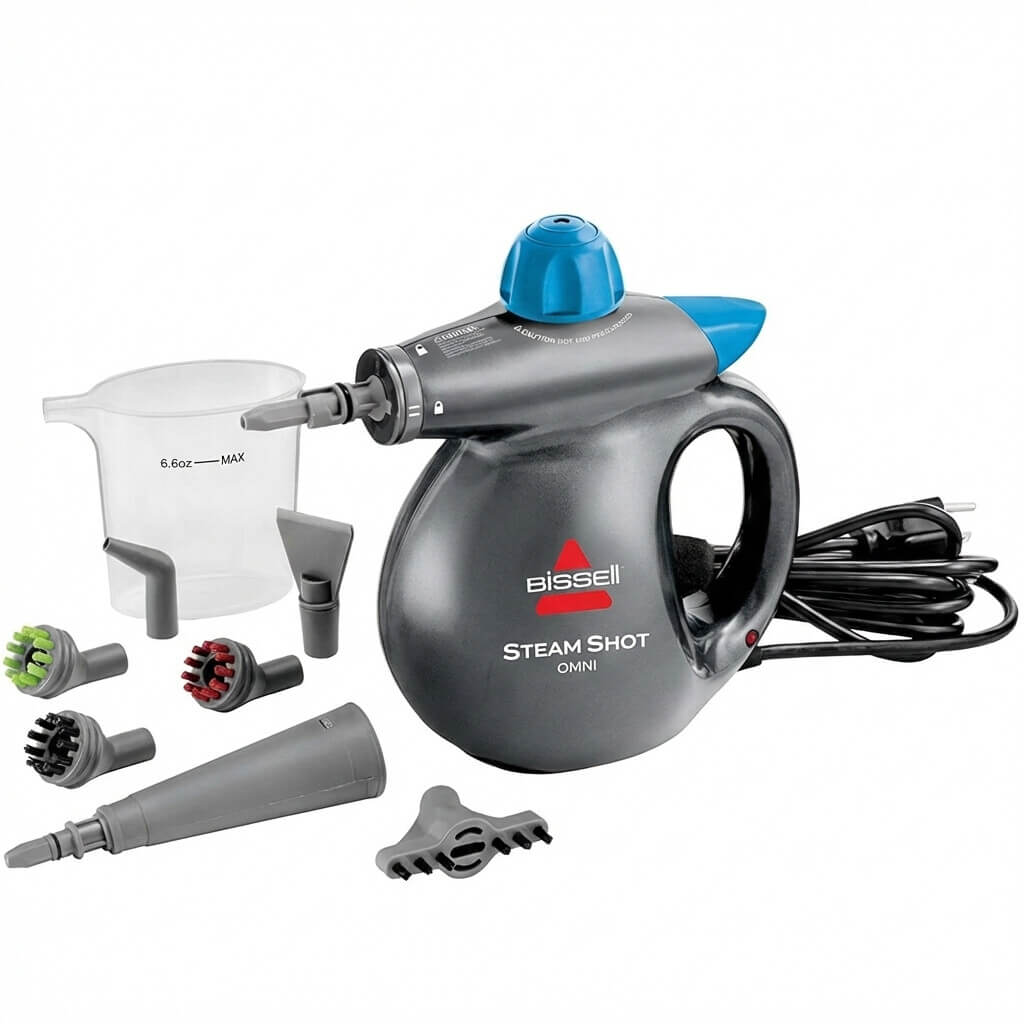
Can I use a hairdryer to melt the ice? Yes, but be careful. Use it on a low/medium setting. Do not hold it in one spot for too long, or you will warp the white plastic liner of the fridge, which is permanent damage. A handheld steamer is safer and faster.
Conclusion: Clear the Code
A samsung refrigerator error code ff looks scary, but it is usually just a cry for help from a frozen fan.
Your Action Plan:
-
Reset: Try a power cycle first.
-
Defrost: Use “Fd” mode or a manual defrost to melt the ice block.
-
Replace: If the fan won’t spin freely, swap the motor.
By following these steps, you can clear the error, silence the buzzing, and get your temperatures back to normal.