

Identify the Problem
Smart refrigerators display error codes or notifications on their touchscreen or app. Common issues include connectivity problems, malfunctioning sensors, or software glitches. Identify the specific problem before attempting repairs.
Check Power and Connections
Ensure the refrigerator is properly plugged in and receiving power. Inspect Wi-Fi or Ethernet connections if the smart features are not functioning. Restart your router or reconnect the fridge to the network if needed.
Update Firmware and Software
Many smart refrigerators receive software updates to fix bugs and improve performance. Check the manufacturer’s app or website for available updates and follow instructions to install them.
Reset the Refrigerator
Perform a soft reset by unplugging the refrigerator for 5–10 minutes or using the reset function on the control panel. A reset can resolve temporary software or connectivity issues.
Inspect Sensors and Components
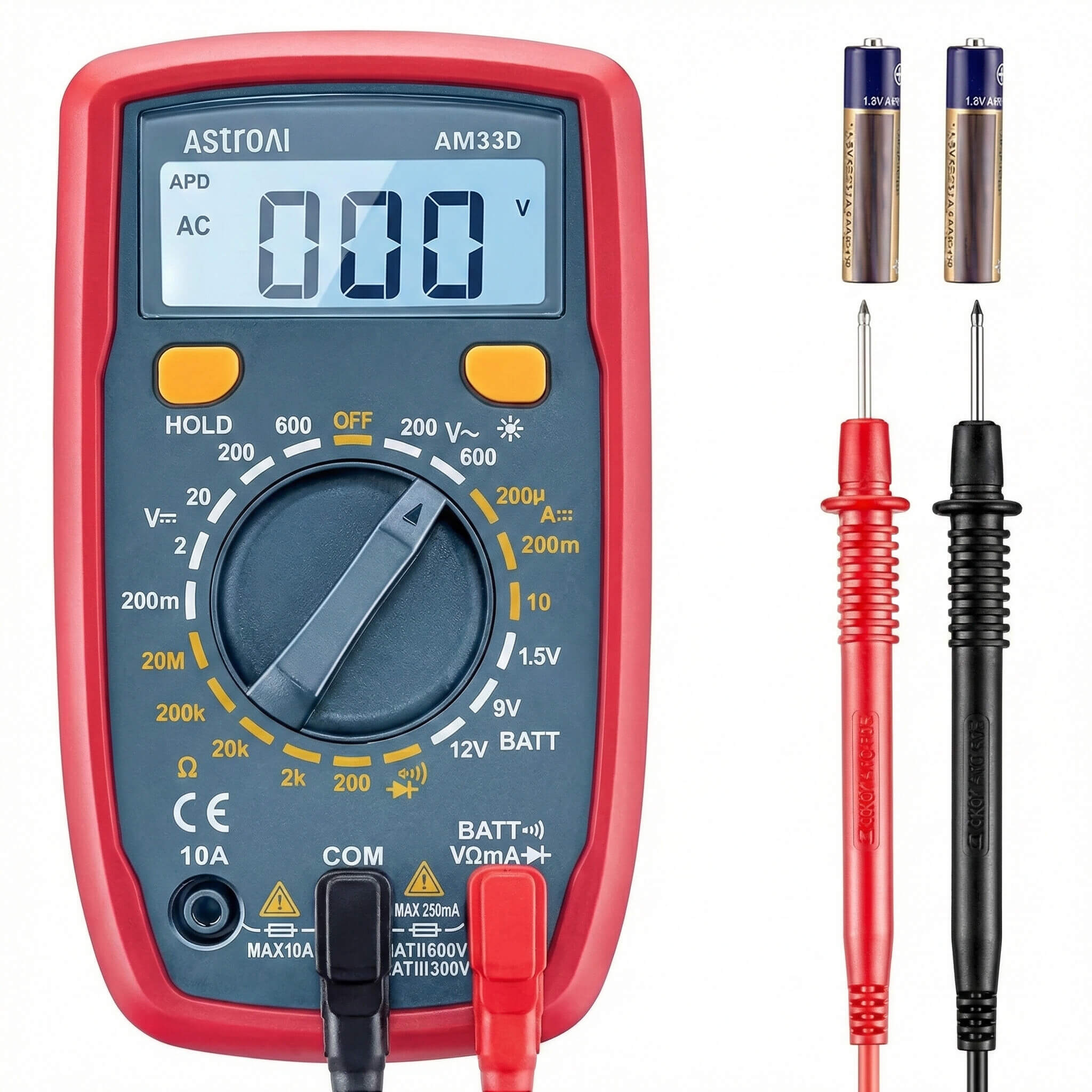
Smart refrigerators rely on sensors for temperature, humidity, ice production, and door status. Check for loose connections, visible damage, or malfunctioning components. Replace faulty sensors if necessary.
Check the App or Control Panel
Review the refrigerator’s companion app or control panel for error messages, alerts, or troubleshooting instructions. Follow manufacturer-recommended steps for resolving specific issues.
Maintain Network Security
Ensure your Wi-Fi network is secure to prevent unauthorized access. Use strong passwords and update router firmware regularly to protect smart features.
Perform Regular Maintenance
Clean condenser coils, door seals, and water filters as part of routine maintenance. Proper care ensures optimal performance of both mechanical and smart components.
When to Seek Professional Help
High-voltage components, refrigerant systems, or complex electronic failures should be handled by certified technicians. Attempting repairs beyond your expertise can be dangerous and may void the warranty.
Conclusion
Repairing a smart refrigerator requires attention to power, connectivity, sensors, and software updates. Regular maintenance and careful troubleshooting help maintain performance, while professional assistance is recommended for complex electrical or mechanical issues.