
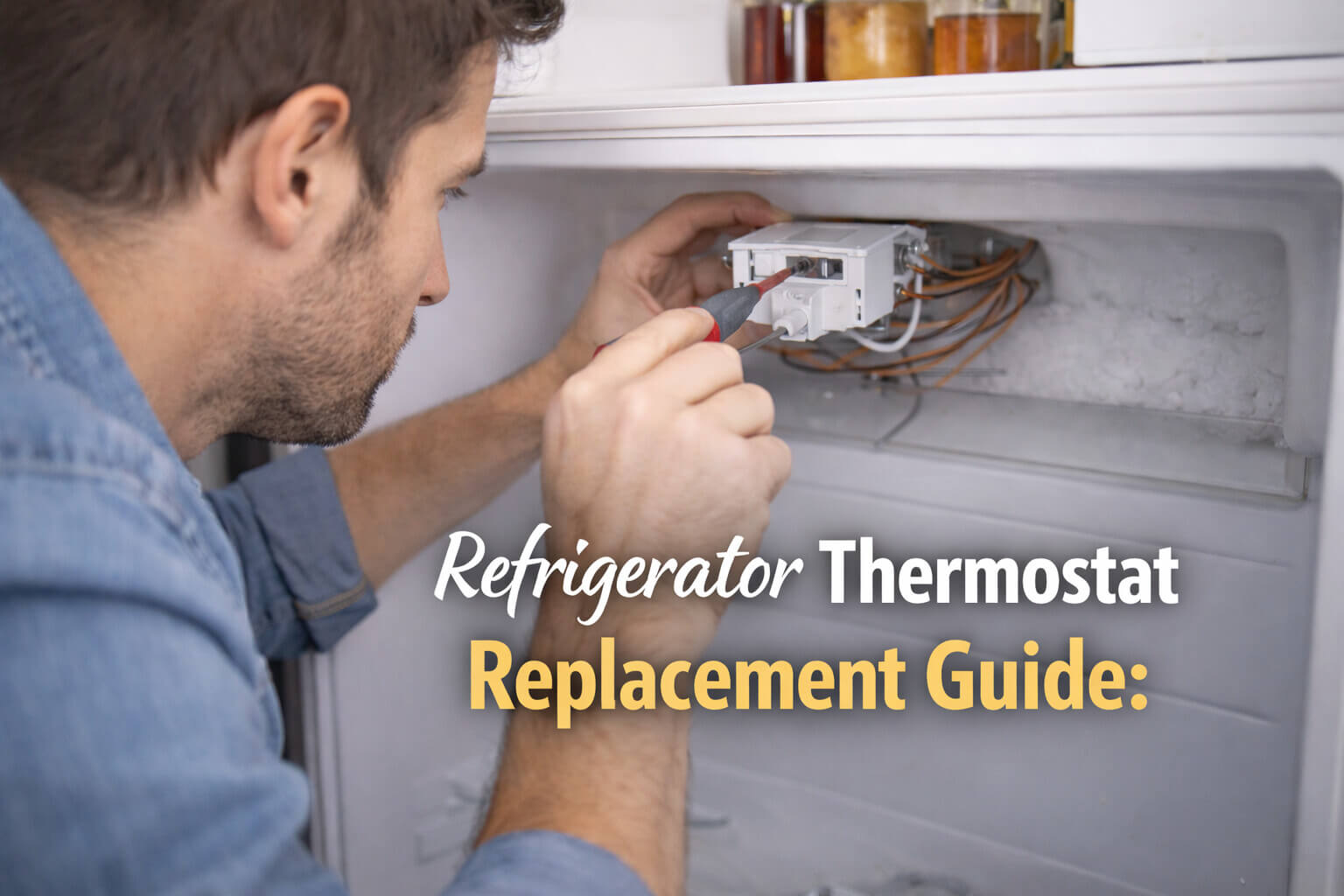
If your refrigerator is acting erratic—freezing your milk one day and letting your ice cream melt the next—the culprit is likely the thermostat. This small component acts as the “brain” of your cooling system, telling the compressor when to run and when to rest.
When it fails, your appliance loses its ability to regulate temperature. The good news? This is one of the most affordable repairs you can do yourself. This refrigerator thermostat replacement guide will walk you through the diagnosis, removal, and installation process safely and effectively.
Critical Check: Do You Have a Thermostat or Thermistor?
Before you unscrew anything, you must identify your system type. Modern refrigeration technology has split into two distinct paths:
- Mechanical Thermostat: Found in older or standard top-freezer models. You adjust the temperature using a physical dial (e.g., 1–9 or Cold–Coldest). When you turn it, you can feel a mechanical resistance or hear a “click.”
- Digital Thermistor: Found in modern electronic fridges. You adjust the temperature using a digital keypad or touch screen (e.g., setting it to exactly 37°F).
Note: This guide specifically covers Mechanical Thermostats. If you have a digital display, your issue is likely a faulty thermistor sensor or main control board, which requires a different diagnostic procedure.
Symptoms of a Faulty Thermostat
Before buying parts, confirm the diagnosis. A bad thermostat usually presents in two extreme ways:
- The “Arctic” Failure: The contacts inside the thermostat get stuck in the “Closed” position. The compressor runs 24/7, freezing everything in the fresh food compartment.
- The “Warm” Failure: The contacts fail to close. The fridge never turns on, even though the lights work. (Note: If you hear clicking, the issue might be the Start Relay. See: Why Is My Refrigerator Clicking?).
Phase 1: Diagnosis with a Multimeter
You cannot eyeball a thermostat failure; you must test for electrical continuity. This confirms if the internal switch is mechanically broken.
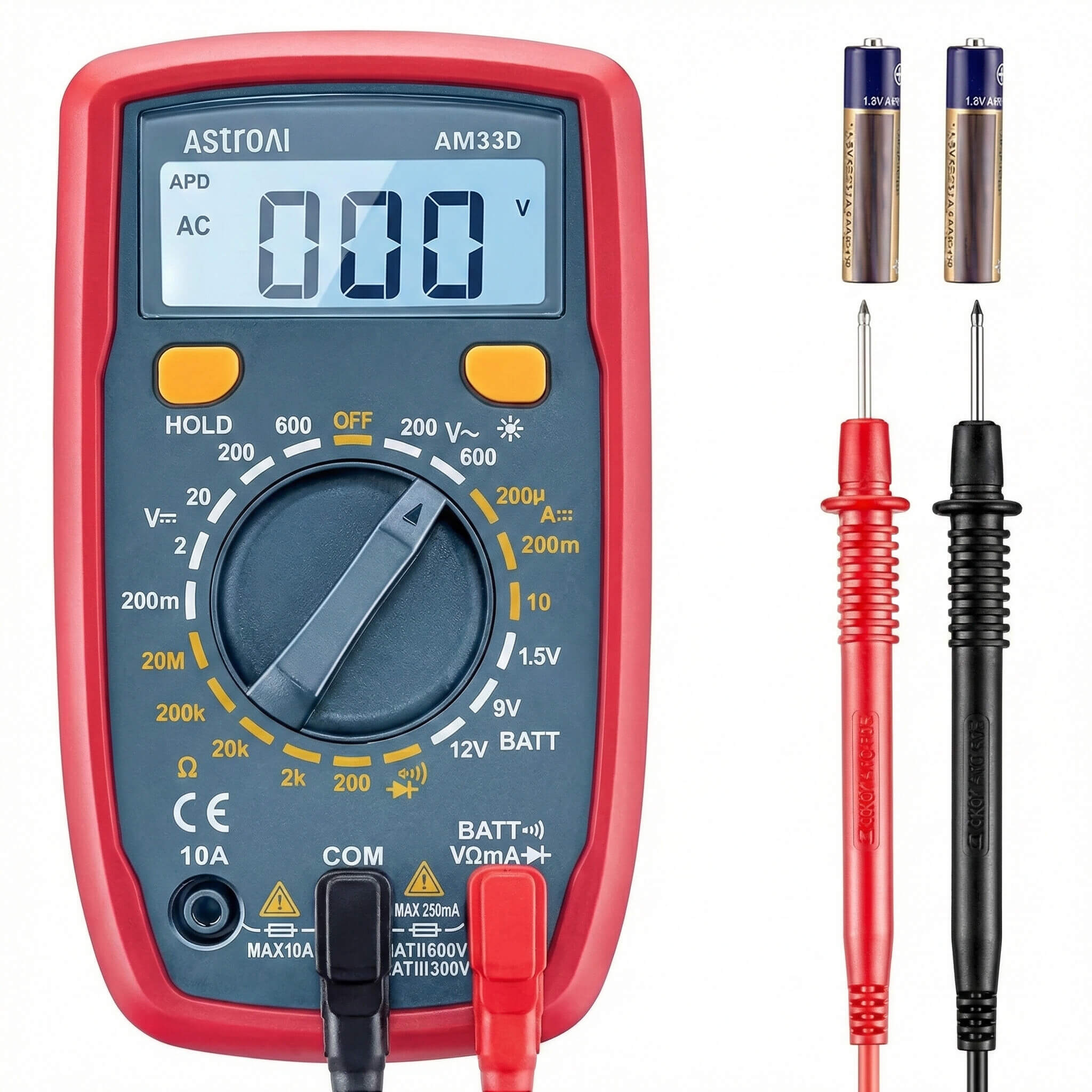
🛠️ Required Tool:
Why you need this: This tool allows you to “see” electricity. You will use it to test if the thermostat is actually sending power to the compressor.
The Continuity Test
- Unplug the Fridge: Safety first. Never work on a live appliance.
- Locate the Thermostat: It is usually found inside the fresh food compartment, housed within the light/control console.
- Remove the Thermostat: Unscrew the housing and disconnect the two wires connected to the thermostat.
- Test: Set your multimeter to “Continuity” (the sound wave icon). Turn the thermostat knob to the coldest setting. Touch the probes to the terminals.
- Beep = Good: The switch is closed and working.
- No Beep = Bad: The internal contacts are broken. Replace the unit.
Phase 2: Sourcing the Correct Part
Thermostats are not “one size fits all.” While universal thermostats exist, they often require modifying the wiring or mounting brackets, which can be frustrating for beginners.
The Model Number Hunt: Do not use the number printed on the old part itself. Instead, find the refrigerator’s main Model Number sticker (usually on the interior wall or ceiling of the fridge). Enter this number into a parts distributor website to find the OEM (Original Equipment Manufacturer) replacement. This ensures the capillary tube is the correct length and the temperature range is calibrated for your specific box.
Phase 3: The Replacement Procedure
Once you have confirmed the failure and sourced the part, follow this refrigerator thermostat replacement guide.
Pre-Game: Food Safety Protocol
This repair can take 30–60 minutes. Do not leave perishable food in the fridge with the door open.
- The Cooler Strategy: Move highly perishable items (milk, meat, mayo) to a cooler with ice packs.
- Work Fast: Keep your tools ready before you start to minimize the time the door is open.
Step 1: Access the Housing
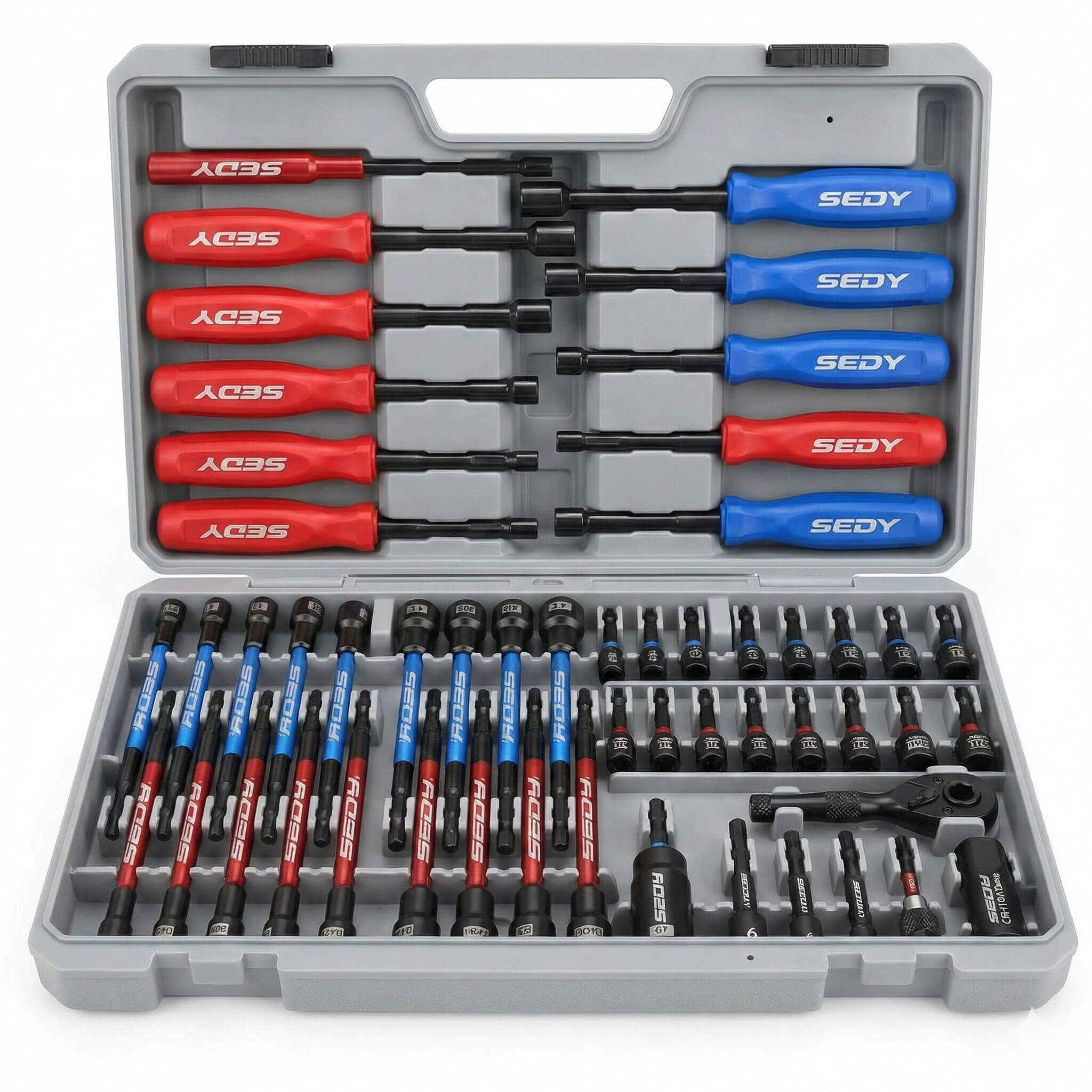
Remove the plastic cover that houses the light bulb and temperature knob. This is usually held in place by 1/4-inch hex screws or Phillips screws. You may need to remove the temperature knob by pulling it straight off.
Step 2: Note the Wiring
Before disconnecting anything, take a clear photo of the wiring with your phone. Most thermostats have two main wires (power in/out) and a ground wire (green). Reversing these can cause a short circuit.
Step 3: Handle the Capillary Tube (CRITICAL)
Attached to the thermostat is a long, silver metal tube. This is the sensor bulb (capillary tube). It is filled with gas that expands and contracts with temperature.
Warning: This tube is extremely fragile. If you kink, crack, or break it, the gas will escape, and the new thermostat will be useless. Unwind it carefully and route it exactly where the old one was located.
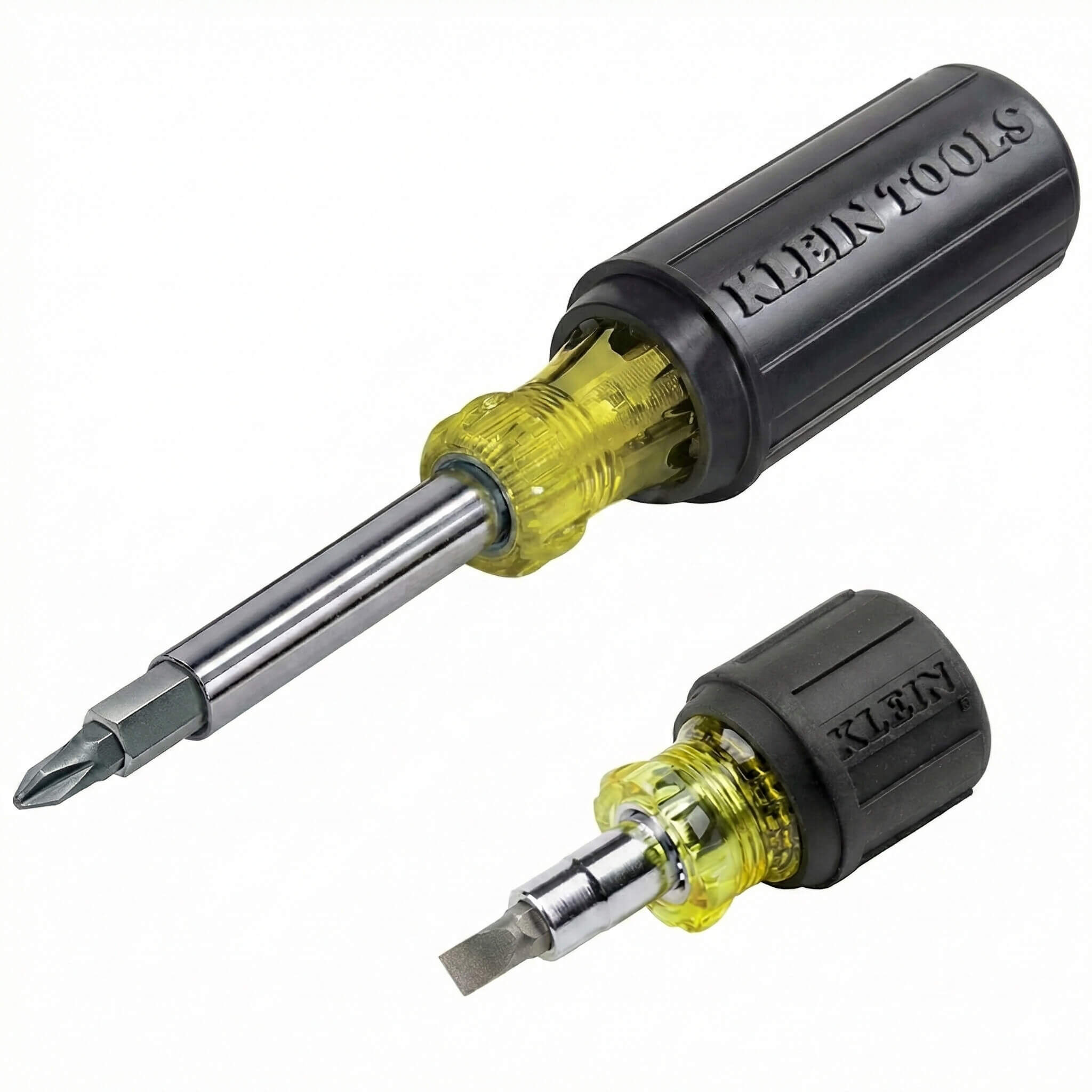
🛠️ Installation Aid:
Klein Tools Multi-Bit Screwdriver
Why you need this: Appliance manufacturers use a mix of Phillips, Flathead, and Hex screws. This tool has every bit you need in one handle.
Step 4: Dealing with Stuck Terminals
Often, the wire connectors (spade terminals) are frozen onto the old thermostat due to years of oxidation. Do not pull on the wire itself, or you will rip the wire out of the connector.
- The Trick: Use a pair of needle-nose pliers to grip the metal connector, not the wire. Wiggle it gently side-to-side while pulling. If it is stubborn, use a small flathead screwdriver to gently pry up the locking tab on the connector.
Step 5: Installation
- Push the new thermostat into the mounting bracket.
- Reconnect the wire terminals using your photo as a guide.
- Secure the ground wire (usually to the metal frame of the housing).
- Reassemble the plastic housing and push the knob back on.
Phase 4: Calibration and Testing
After installation, plug the refrigerator back in. Turn the thermostat to the mid-point setting (usually 3 or 4). Do not crank it to “Max Cold” immediately.
- Wait 24 Hours: It takes a full day for the unit to stabilize.
- Check Temps: Use a thermometer to verify the fridge is between 37°F and 40°F. If it is too warm, adjust the knob slightly.
Common Mistakes to Avoid
- Confusing Thermistor with Thermostat: Modern digital fridges (with digital displays on the door) use electronic thermistors, not mechanical thermostats. This guide applies to standard models with a dial knob.
- Kinking the Tube: As mentioned, a sharp bend in the silver sensor tube destroys the part. Keep the bends wide and gentle.
- Ignoring the Ground: Failing to reattach the green ground wire creates a shock hazard if moisture gets into the console.
Summary: Quick Troubleshooting Table
| Symptom | Test Result | Likely Fix |
|---|---|---|
| Fridge freezing food | Continuity even when “Off” | Replace Thermostat |
| Fridge warm (Lights On) | No Continuity | Replace Thermostat |
| Fridge warm (Clicking sound) | Thermostat Good | Replace Start Relay |
| Fridge warm (Compressor hot) | Thermostat Good | Clean Coils |
Replacing a thermostat is a satisfying DIY win that saves you the cost of a service call. By following this refrigerator thermostat replacement guide, you have restored your appliance’s “brain” and ensured years of reliable cooling.