
Struggling to figure out how to turn off demo mode on fridge displays? You just bought a new appliance, plugged it in, and the lights work, but it refuses to cool.
If the lights are on but the compressor is silent, you likely have a refrigerator in demo mode.
This is one of the most panic-inducing “fake” problems a homeowner can face. It feels like your expensive appliance is broken right out of the box.
The good news? It is not broken. It is just sleeping.
In this comprehensive guide, we will explain exactly what this mode is and teach you how to turn off demo mode on fridge models from every major brand, including the specific button combinations for Samsung, LG, GE, and Whirlpool.
What Is a Refrigerator In Demo Mode?
Before we fix it, it helps to understand why this feature exists.
Demo Mode (also known as Showroom Mode, Cooling Off Mode, or Shop Mode) is a feature designed for the retail floor.
-
The Goal: Retailers want the fridge to look alive in the store. They want the lights to shine and the display to beep when customers press buttons.
-
The Safety: However, they cannot have the compressor running. If the doors are opening 100 times a day without food inside, the cooling system would overheat and burn out.
-
The Solution: Manufacturers created a mode where the “User Interface” is awake, but the “Cooling System” (compressor and fans) is asleep.
How did it happen to you?
-
New Delivery: The delivery team forgot to disable it after unboxing.
-
Accidental Press: You (or a child) leaned against the control panel and hit the specific “magic” button combination.
-
Power Outage: A hard reset from a power surge can sometimes revert the computer settings to this factory default state. We recommend using an appliance surge protector to prevent these electronic glitches
Signs You Need to Learn How to Turn Off Demo Mode on Fridge
How do you distinguish between a broken compressor and Demo Mode? Look for these signs.
1. The Display Code Most fridges will tell you. Look at the temperature display. Instead of numbers, do you see:
-
“OF” (Off)
-
“O FF”
-
“dE” (Demo)
-
“Showroom” scrolling across the screen.
2. The “Lights On, No One Home” Syndrome Open the door. Are the LED lights bright? Does the control panel beep when you touch it? Now listen closely. Is there silence? If you cannot hear the hum of the compressor or the whir of a fan, you have a refrigerator in demo mode.
3. The Warmth The most obvious sign is temperature. If the fridge has been plugged in for 4 hours and the temperature has not dropped a single degree, the cooling system is disabled.
Samsung Refrigerator Demo Mode: The Most Common Issue
Samsung fridges are notorious for entering this mode accidentally. Finding the fix for samsung refrigerator demo mode is one of the most common searches online.
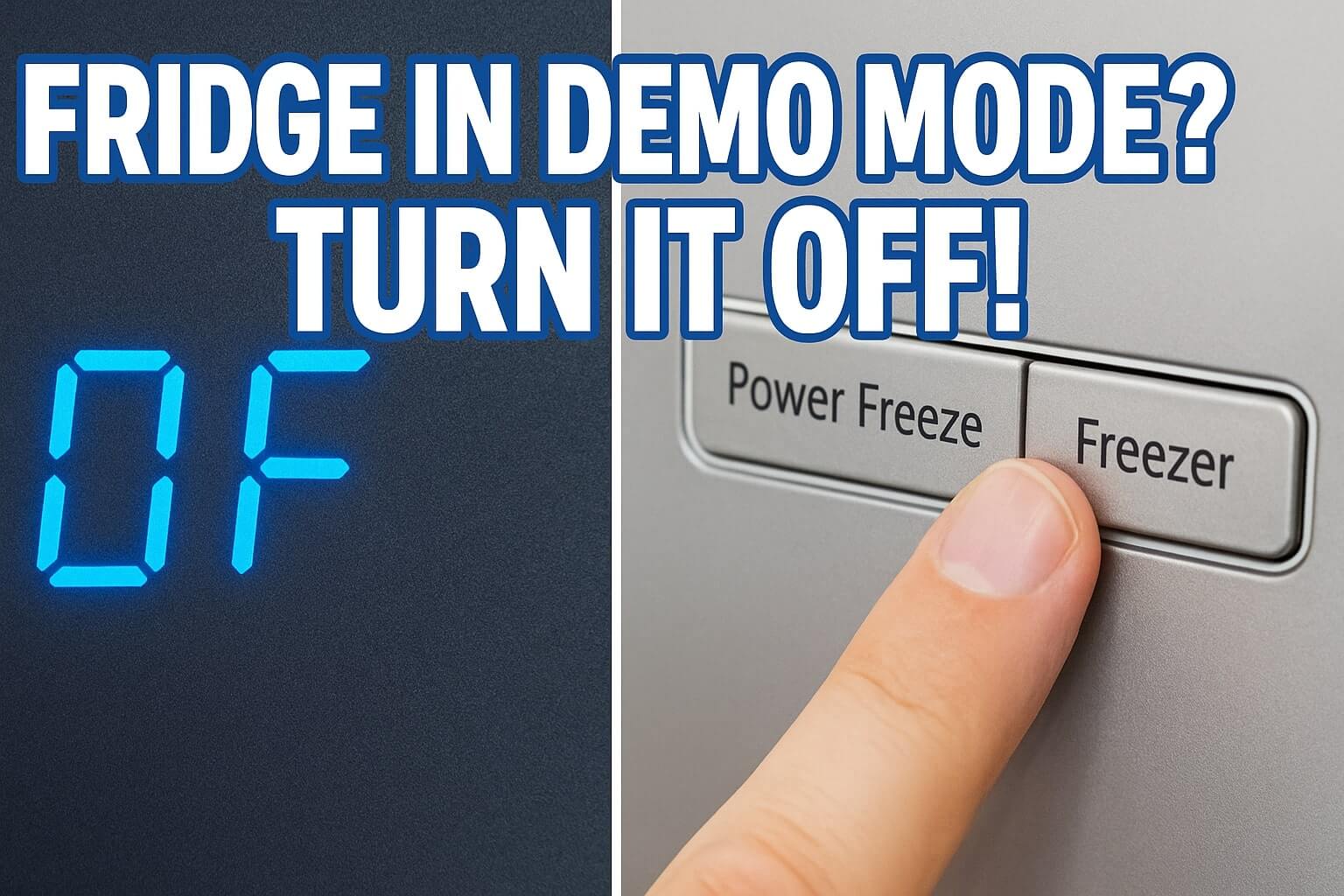
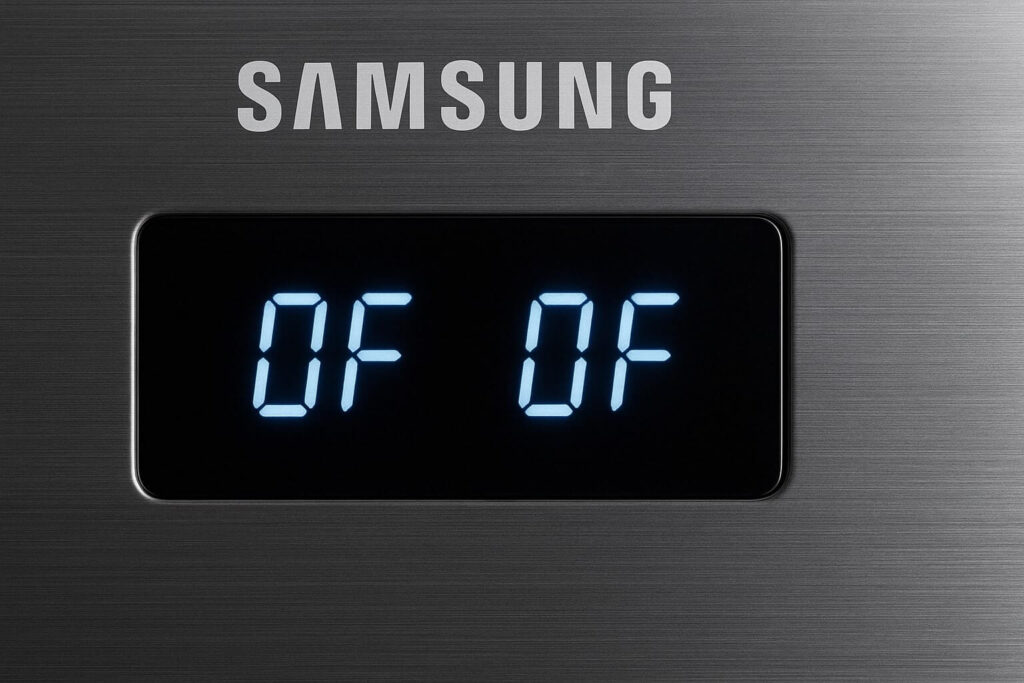
Identifying the Code: You will usually see “O FF” or “OF OF” displayed where the temperatures should be.
The Fix (Button Combinations): Samsung uses different codes for different models. Try these in order.
Method A (Most Common):
-
Buttons: Locate the Power Freeze and Freezer buttons.
-
Action: Press and hold both buttons simultaneously.
-
Timing: Hold them for 3 to 5 seconds.
-
Result: The panel will chime, and the temperature numbers will return. You will hear the compressor kick on within 30 seconds.
Method B (2010-2015 Models):
-
Buttons: Locate Energy Saver and Freezer.
-
Action: Hold both for 5-8 seconds.
Method C (Newer Models):
-
Buttons: Locate Freezer + Control Lock (or Door Alarm).
-
Action: Hold for 5 seconds.
If you successfully disable samsung refrigerator demo mode, the display will blink and then show the current (warm) temperature.
LG Refrigerator In Demo Mode
LG refrigerators usually display “O FF” or have a scrolling text bar that says “Demo Mode.”
Method A (Standard Door Models):
-
Open the Door: Open the right-side refrigerator door.
-
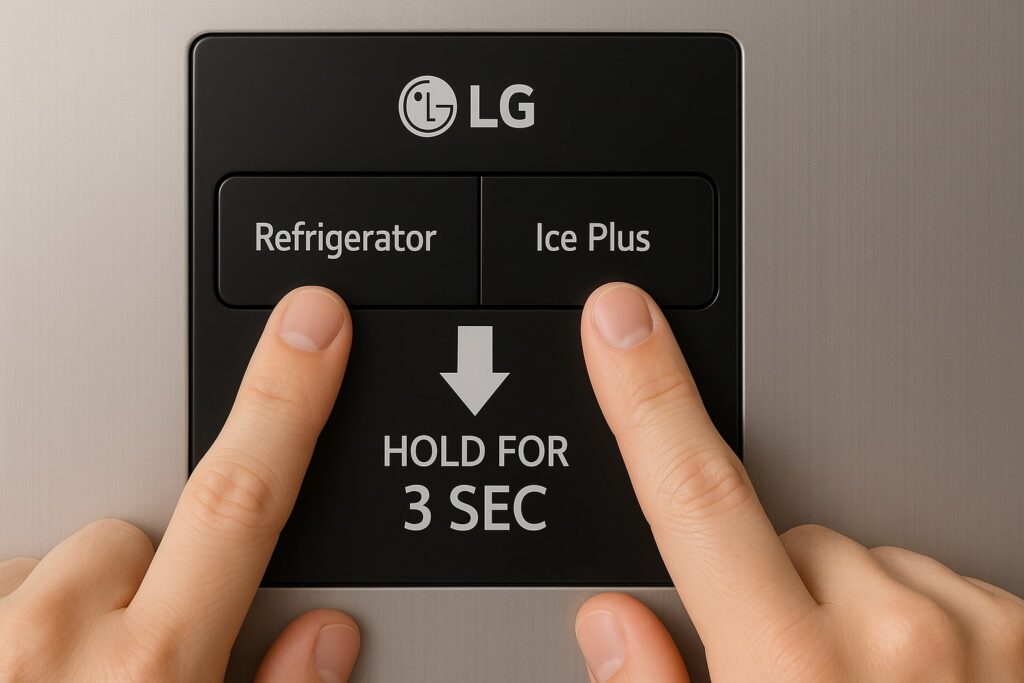
Buttons: Press and hold the Refrigerator and Ice Plus buttons at the same time.
-
Timing: Hold for 5 to 10 seconds.
-
Result: You should hear a beep, and the display will switch to the temperature setting.
Method B (French Door Models):
-
Buttons: Press and hold Refrigerator + Ice Plus + Freezer.
-
Action: Hold until the control panel resets.
Once you learn how to turn off demo mode on fridge models from LG, listen for the fan. The cooling fan typically starts immediately.
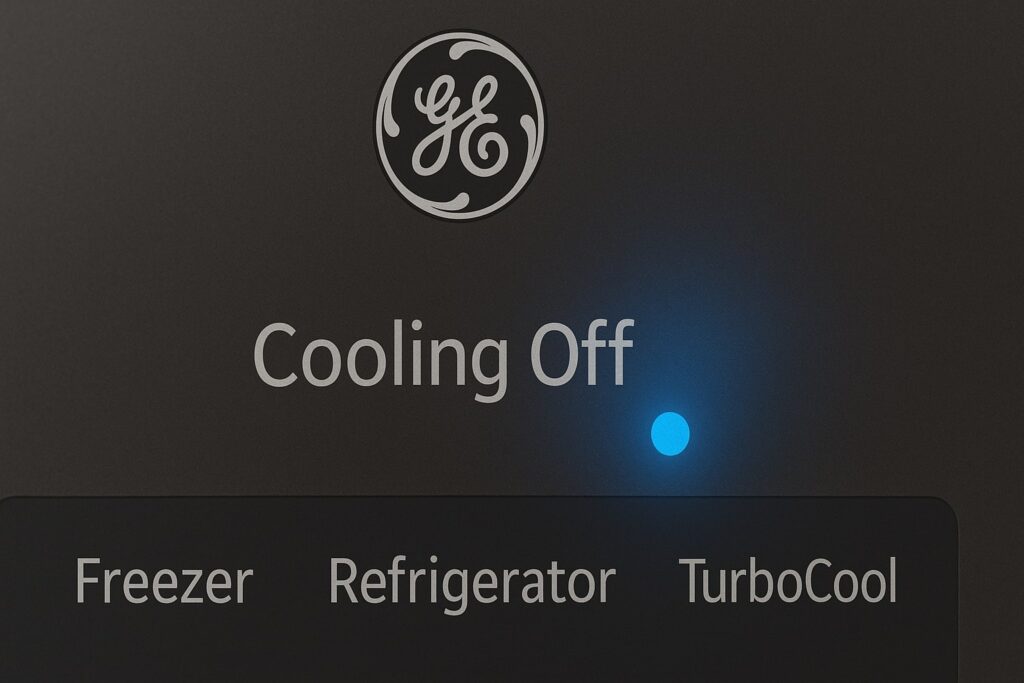
GE Refrigerator Showroom Mode Fix
GE calls this “Showroom Mode.” When a GE refrigerator in demo mode is active, the display might simply show nothing, or a large “0.”
Method A (The Single Button Reset):
-
Check: Does your model have a specific “System Check” or “Reset” hole? (Rare).
Method B (The Two-Button Combo):
-
Buttons: Press and hold Refrigerator and Freezer pads simultaneously.
-
Timing: Hold for 3 seconds.
Method C (The Three-Button Combo):
-
Buttons: Press Refrigerator + Freezer + Crushed Ice.
-
Timing: Hold for 3 seconds.
Method D (The Hard Reset): Unlike other brands, many GE fridges will exit Demo Mode if you simply unplug them.
-
Action: Unplug the fridge. Leave the doors open. Wait 2 minutes. Plug it back in.
Whirlpool & KitchenAid Demo Mode Reset
These brands fall under the same parent company, so the steps on how to turn off demo mode on fridge units from Whirlpool usually apply to KitchenAid and Maytag too.
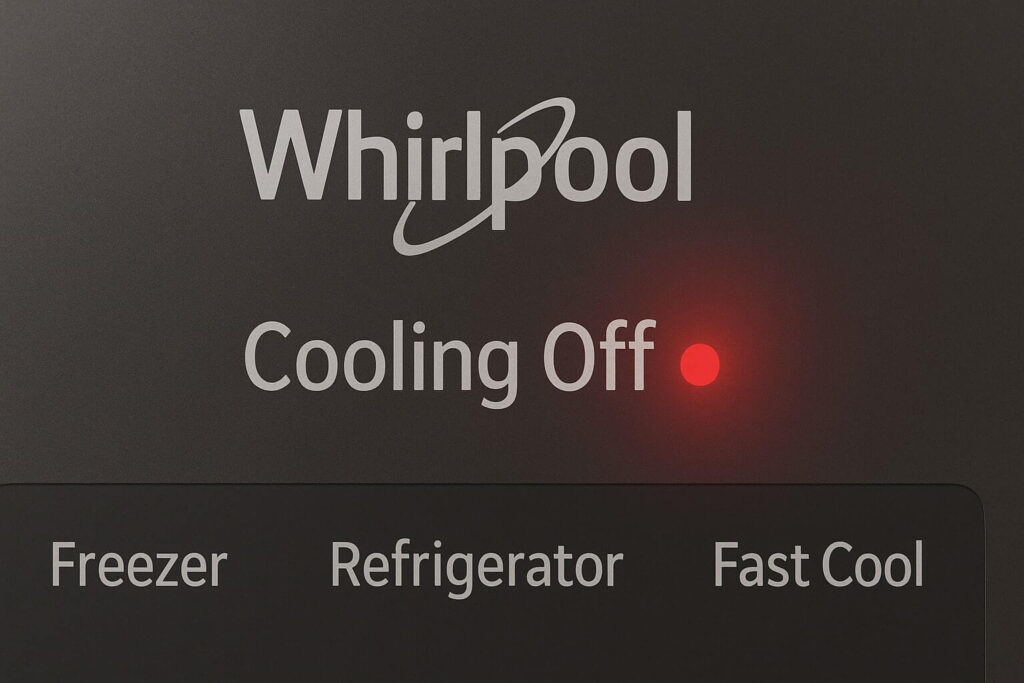
The Display: You will often see “Cooling Off” illuminated on the control panel.
Method A (The “Cooling Off” Button):
-
Check: Some newer models actually have a dedicated button in the menu. Navigate to settings and look for “Cooling Off.” Select “Turn Off.”
Method B (The Lock Combo):
-
Buttons: Press and hold Lock and Filter simultaneously.
-
Timing: Hold for 3 seconds.
Method C (The Temp Combo):
-
Buttons: Press and hold Refrigerator Temp and Freezer Temp at the same time.
-
Timing: Hold for 5 seconds.
What If None of These Codes Work?
If you have tried every combination and you still have a refrigerator in demo mode, don’t panic. There are two “nuclear options” left.
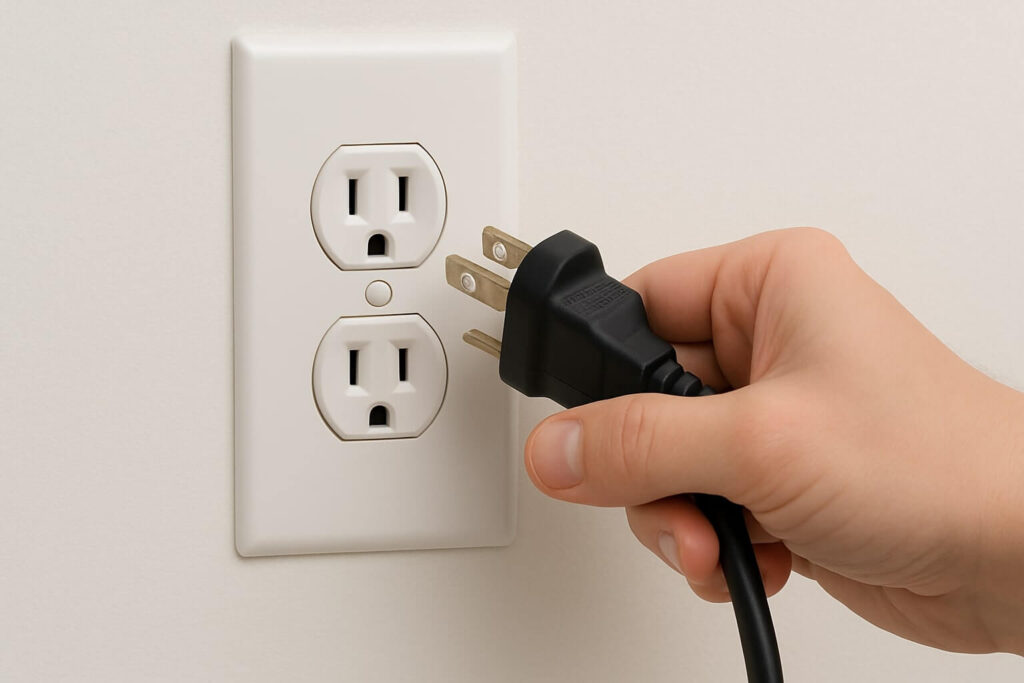
Option 1: The Hard Power Cycle Sometimes the computer is just glitching and thinks it is in demo mode, but it’s actually frozen.
-
Unplug: Disconnect power for 10 full minutes.
-
Discharge: While unplugged, press the dispenser lever or open/close doors to drain any residual capacitor power.
-
Restart: Plug it back in. Often, the fridge will reboot into standard “Home” mode automatically.
Option 2: The Door Switch Trick Some older Kenmore and Amana units use a manual reset.
-
Open the Door: Open the fresh food door.
-
Locate the Switch: Find the door switch (the plunger that controls the light).
-
The Code: Press the door switch 5 times within 2 seconds.
-
Wait: Listen for the compressor to start.
Troubleshooting: Is It Actually Broken?
If you have performed the reset, the display looks normal (showing numbers), but it is still not cooling after 2 hours, you don’t have a refrigerator in demo mode. You have a mechanical failure.
Check These 3 Things Next:
-
The Fans: Do you hear fans running? If not, read our guide on refrigerator not cooling but running.
-
The Compressor: Is the black tank in the back humming? If it’s clicking, check our article on refrigerator making a clicking noise.
-
The Smell: Is there a weird odor? Check our guide on why does my refrigerator smell like chemicals to rule out a Freon leak.
Frequently Asked Questions (FAQ)
-
Does unplugging the fridge turn off Demo Mode? On GE models, often yes. On Samsung and LG models, usually no. These computers have “non-volatile memory,” meaning they remember their settings even without power. You must use the button combination to tell the computer to switch modes.
-
Why does my fridge keep going into Demo Mode? If your fridge reverts to samsung refrigerator demo mode constantly, you might have a “stuck button” on your control panel. If the “Power Freeze” button is physically stuck down, the fridge thinks you are trying to enter the mode. Run your finger over the buttons to ensure none are depressed.
-
Can I use Demo Mode to save energy while on vacation? Technically yes, but it is not recommended. Demo mode turns off cooling entirely. Your food will spoil immediately. If you want to save energy with an empty fridge, simply unplug it and leave the doors propped open to prevent mold.
-
I don’t have a display. How do I know if it’s in Demo Mode? If you have a basic fridge with no digital screen, it likely does not have a Demo Mode. If it is not cooling, you likely have a broken start relay or thermostat. However, check inside near the light bulb for a “Cooling Off” switch, which is sometimes hidden there.
Conclusion: Wake Up Your Appliance
Realizing you simply have a refrigerator in demo mode is the best possible outcome. It means your expensive appliance is healthy; it was just waiting for your command to start working.
Your Action Plan:
-
Identify: Look for “OF” or “Showroom” on the display.
-
Search: Find the specific button combo for your brand above.
-
Hold: Press the buttons for 3-5 seconds until the chime sounds.
-
Verify: Wait 5 minutes and listen for the hum of the compressor.
Now that you know how to turn off demo mode on fridge displays, you can enjoy a cold drink and stop worrying about expensive repairs.